More than a link shortener
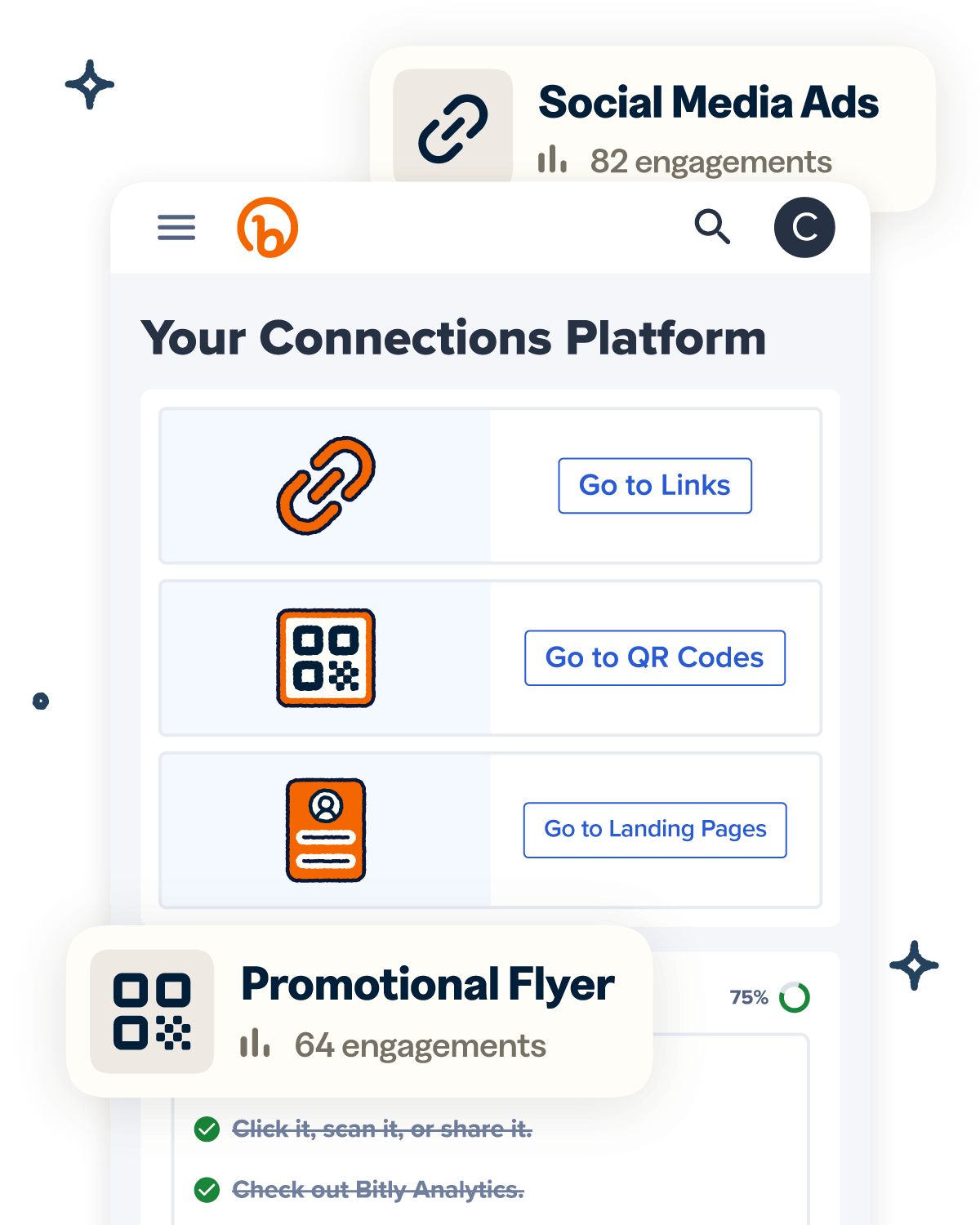
Knowing how your clicks and scans are performing should be as easy as making them. Track, analyze, and optimize all your connections in one place.

: Optimized for triple-play services, including high-speed internet, IPTV, and VoIP. 2. Accessing Administrative Privileges
By taking these steps, you transform the ZTE F670L from a basic ISP modem into a high-performance networking hub.
To make sure these steps work for your specific home setup, tell me: Who is your ?
Unlocking the full potential of your ZTE F670L gives you total control over your home network. Here is a complete guide to gaining Administrator access and optimizing your router for peak performance. Why You Should Unlock Your ZTE F670L unlock zte f670l better
If standard credentials don't work, you may need to use external tools to force the router into factory mode via Telnet. How to unlock a ZTE home router after contract completion? 5 Apr 2024 —
If the defaults above do not work, the password is likely customized by the ISP. However, a known trick for many ZTE routers involves accessing a hidden management page to generate or view the current password.
Modifying ISP-supplied hardware parameters carries risks that you must consider before proceeding: To make sure these steps work for your
On some ISP-branded firmware, a super admin password may work:
: Unlocking reveals granular wireless settings. You can change congested control channels, adjust channel bandwidth (forcing 80MHz on 5GHz for faster speeds), and modify transmit power.
Most ISP-provided units lock the deepest settings behind a "Super Admin" account. If the default user / user Why You Should Unlock Your ZTE F670L If
Locate your active internet connection profile (usually labeled with your ISP name and internet VLAN ID).
Locate your existing internet connection profile (often labeled PPPoE or IPoE ).
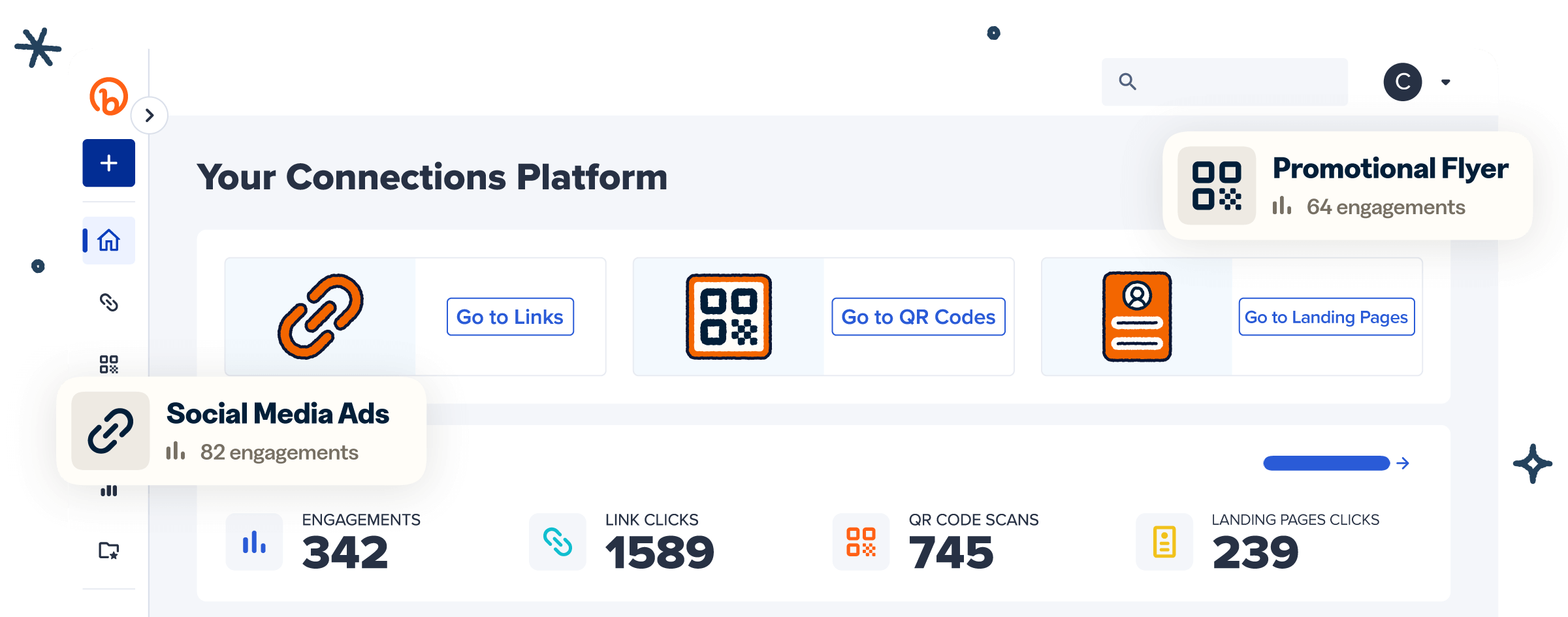
Knowing how your clicks and scans are performing should be as easy as making them. Track, analyze, and optimize all your connections in one place.
WAIT A SECOND…
Take Bitly for a spin with our free plan. It’s 100% free—no commitment, no risk and no pressure.
See why millions of people trust Bitly with their links, QR Codes and analytics.
Try Bitly for free