Mt6781 Sp Flash Tool | Exclusive

Shooter is a highly accurate ballistics calculator for iOS and Android. Fast, intuitive, and trusted by long-range shooters and hunters everywhere.

$19.99 — one-time purchase, free updates forever

Ensure the phone is powered off. Hold and connect the USB cable.

This public link is valid for 7 days and shares a thread, including any personal information you added. This link or copies made by others cannot be deleted. If you share with third parties, their policies apply. Can’t copy the link right now. Try again later.

: For devices with heavily locked bootloaders (like certain Xiaomi or Tecno models), professional tools like Android Multi Tool may be required to access proprietary authentication servers. Essential Flashing Requirements

Fix: Ensure you are using the exact firmware version intended for your specific phone variant.

Disable Driver Signature Enforcement in Windows before installation to ensure the drivers register correctly. 3. MediaTek Bypass Tool (LibUsb)

Every MediaTek chipset requires a specific Download Agent—a piece of code executed on the device’s internal SRAM to manage the flashing process. For the MT6781, generic DA files from older chipsets (like MT67xx or MT68xx) are incompatible. An MT6781-exclusive DA file is necessary to correctly address the memory mapping, security partitions (like seccfg ), and DMA controllers. Using the wrong DA results in the infamous STATUS_DA_HASH_MISMATCH or ERROR : S_BROM_CMD_SEND_DA_FAIL .

Wipes the device clean and matches the partition layout precisely to the scatter file. Use this if partition tables have changed.

The log window will display a success message such as Protection disabled or SLA/DAA Bypassed . Step 3: Configure SP Flash Tool Launch flash_tool.exe inside the SP Flash Tool directory.

An open-source or trusted exploit tool (such as MTK Bypass or MCT Auth Utility) utilizing the Kamakiri vulnerability. This disables the SLA/DAA hardware check in the chip's boot ROM. 4. Device-Specific Stock Firmware


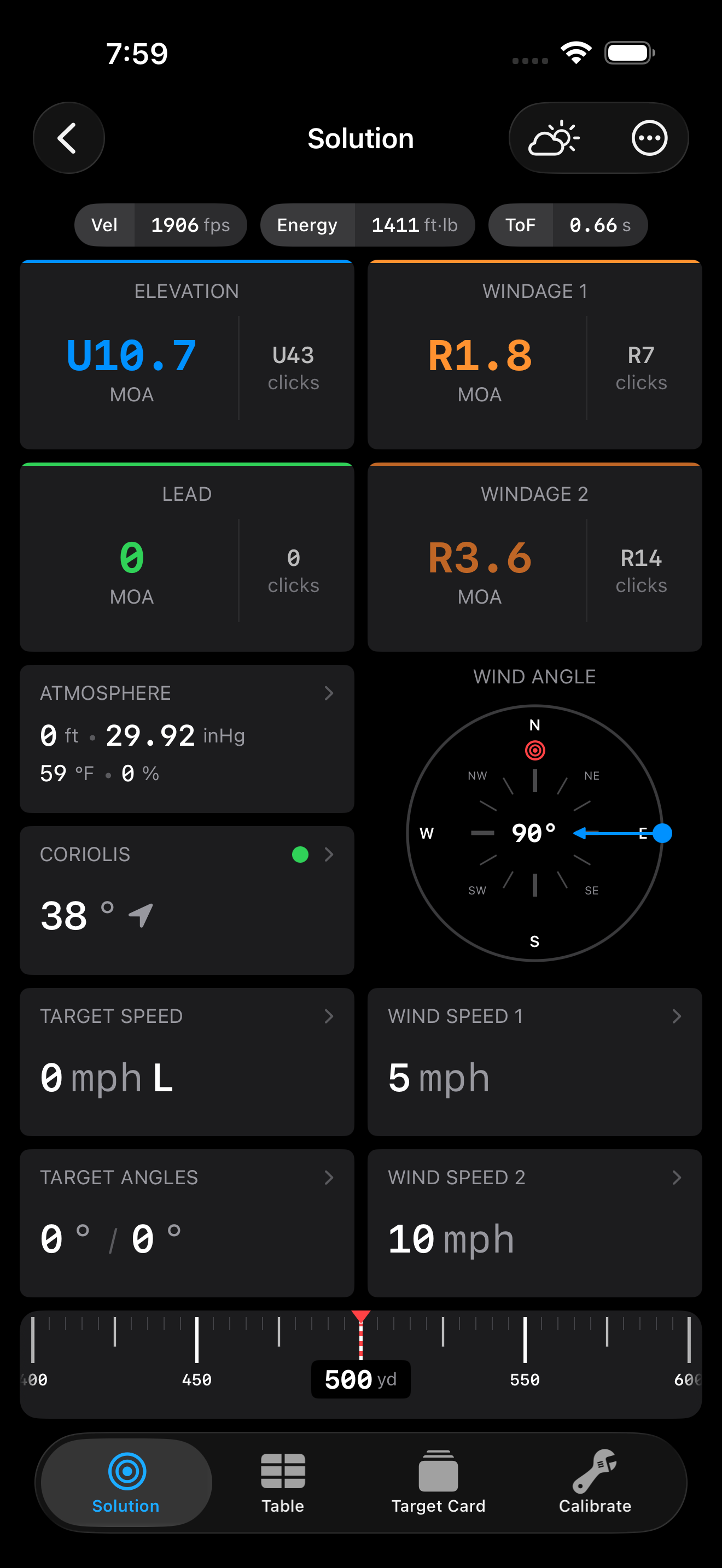
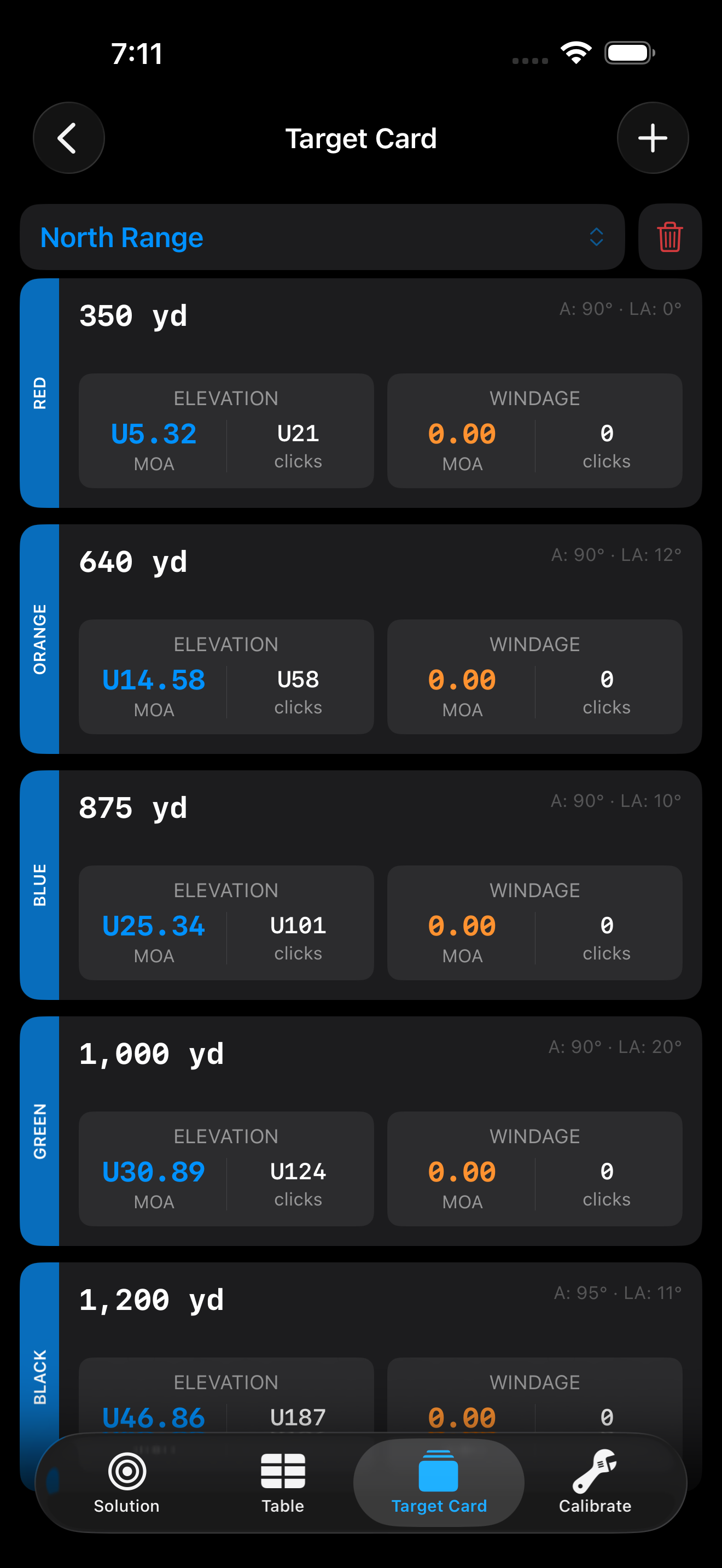
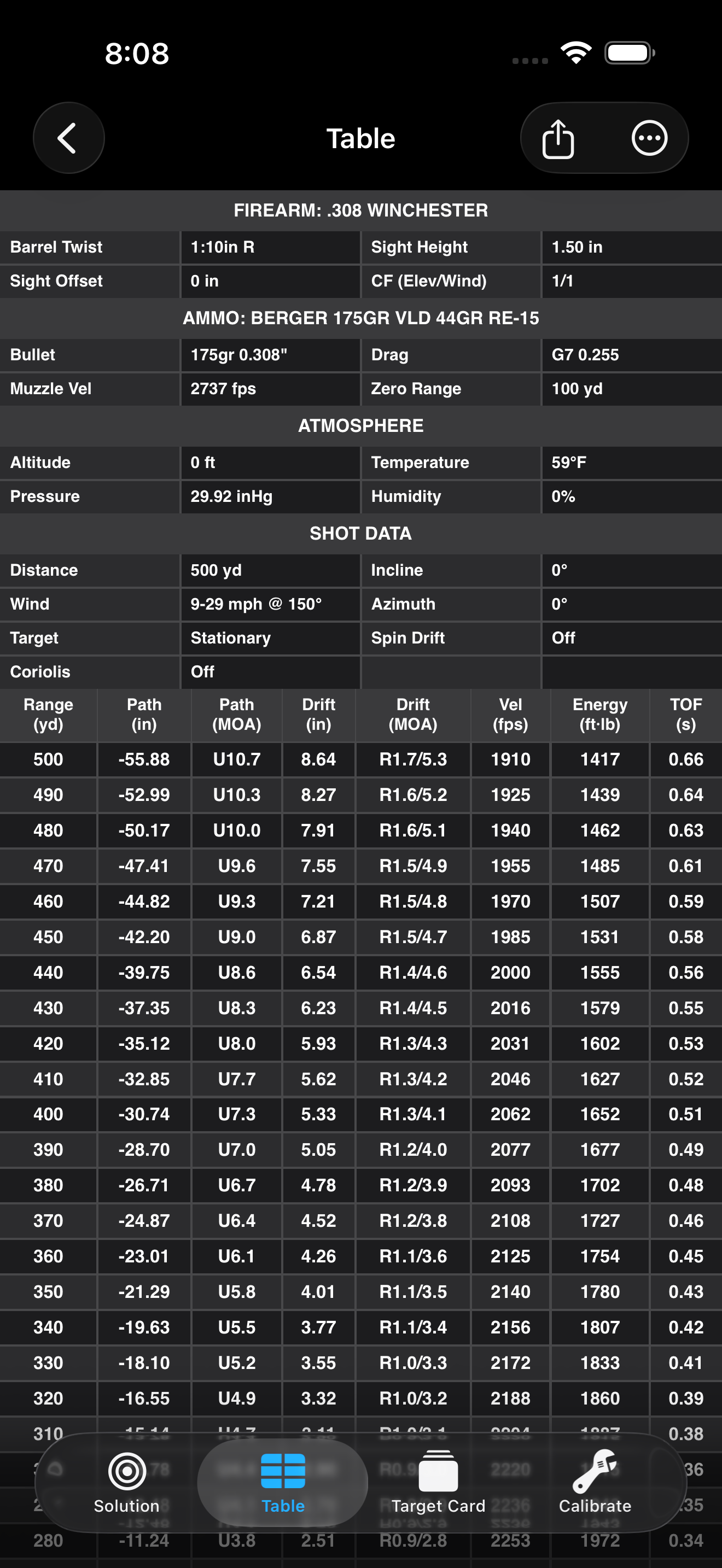
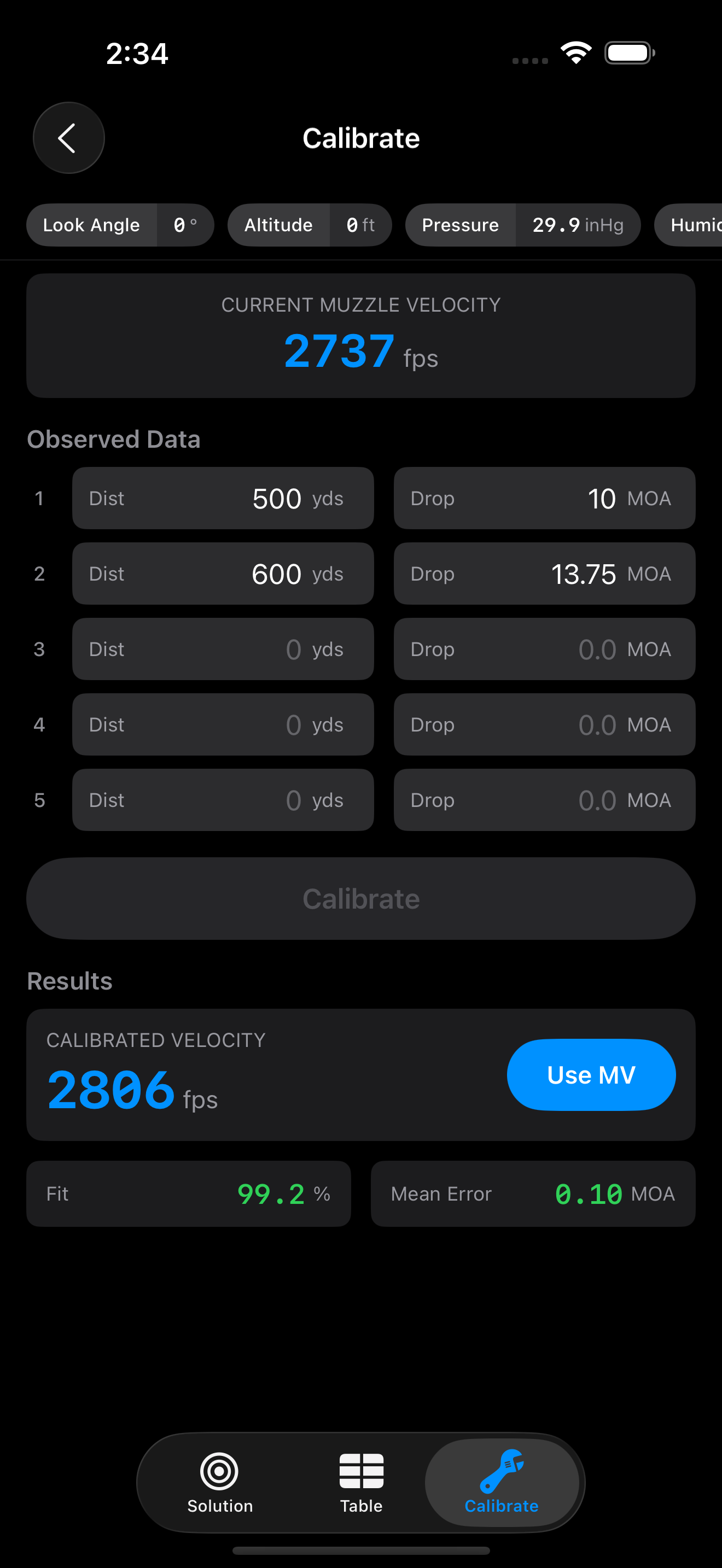
Shooter in Action

Clean, intuitive interface designed by shooters for shooters.

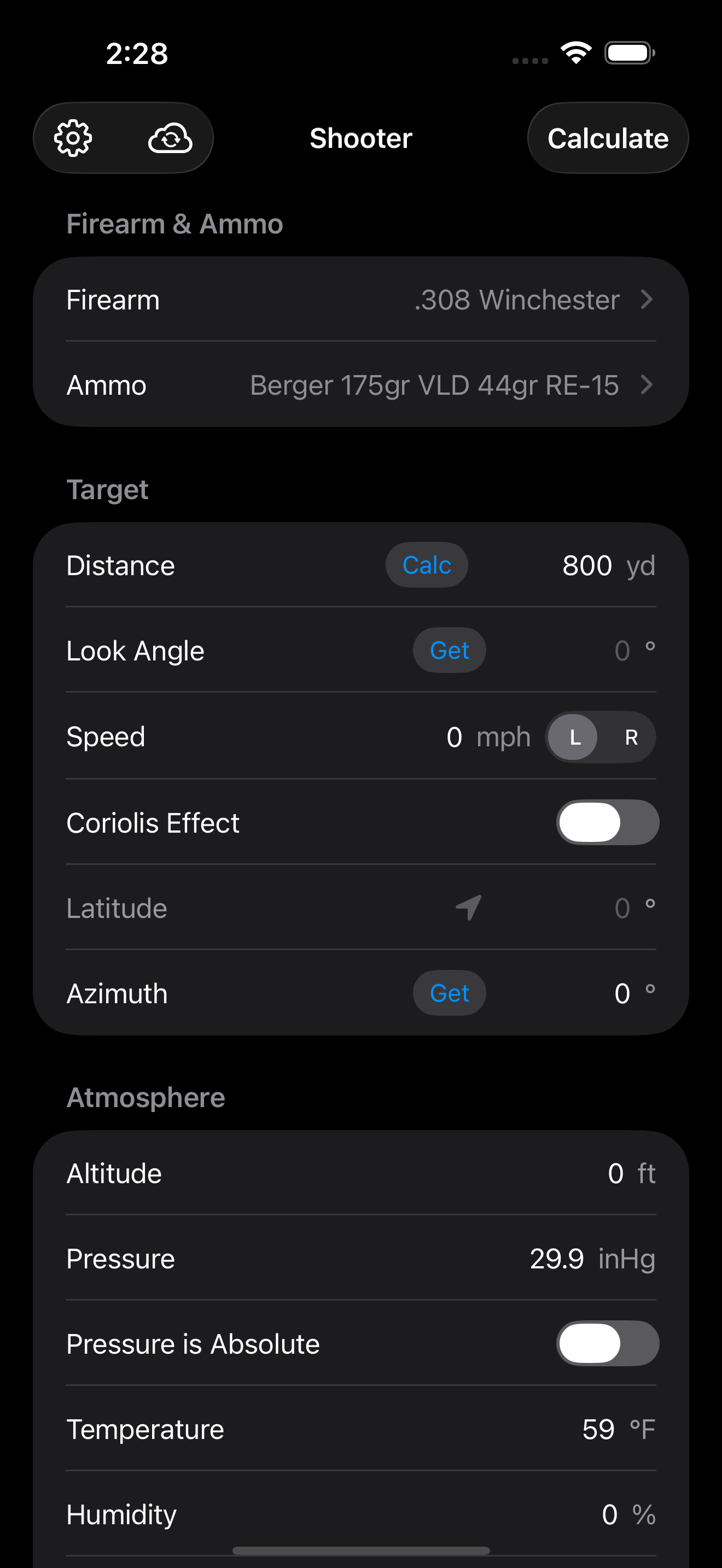
Main Inputs ScreenMain Screen
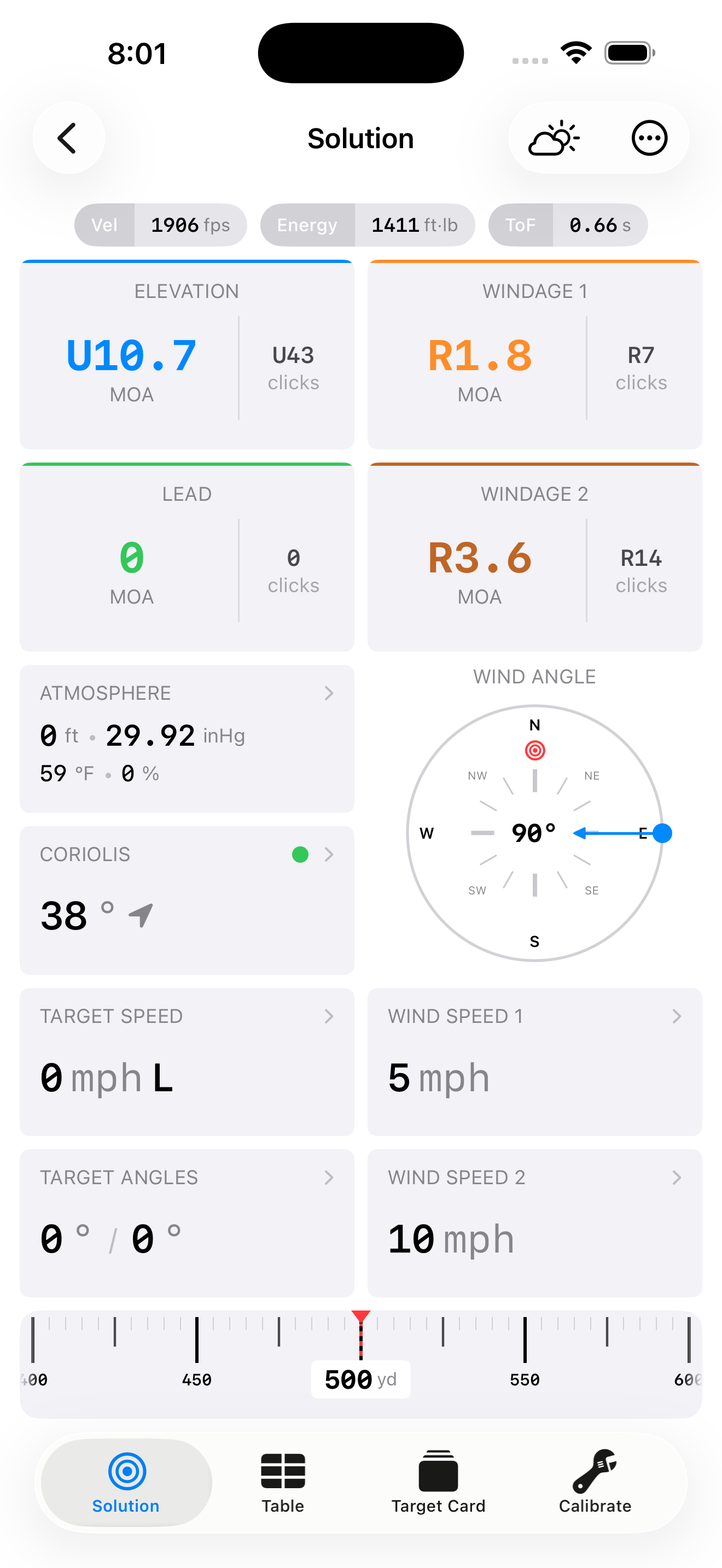
Solution Screen (Advanced)Solution Screen (Advanced)
Target Card ExampleTarget Card Example
Trajectory TableTrajectory Table
Truing / CalibrationTruing / Calibration
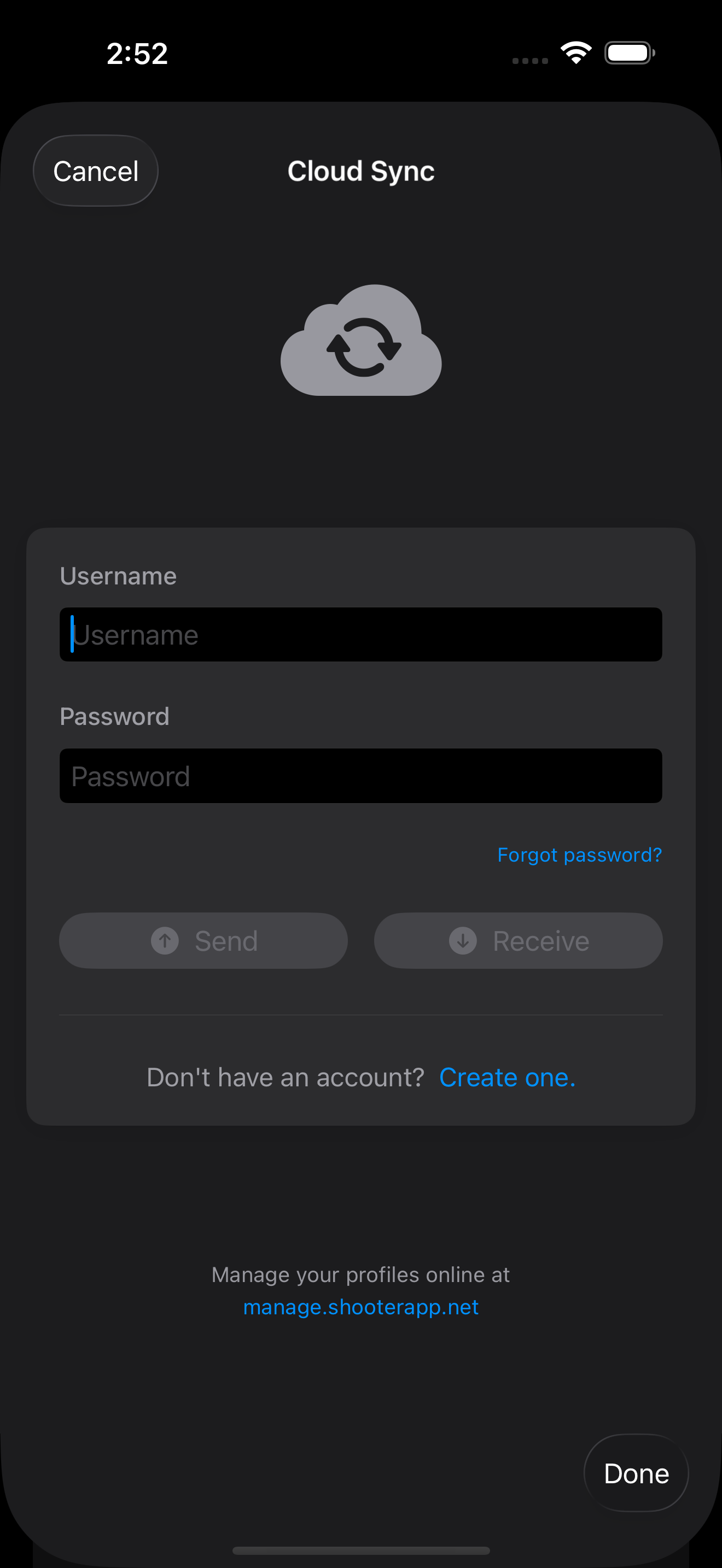
Cloud SyncCloud Sync
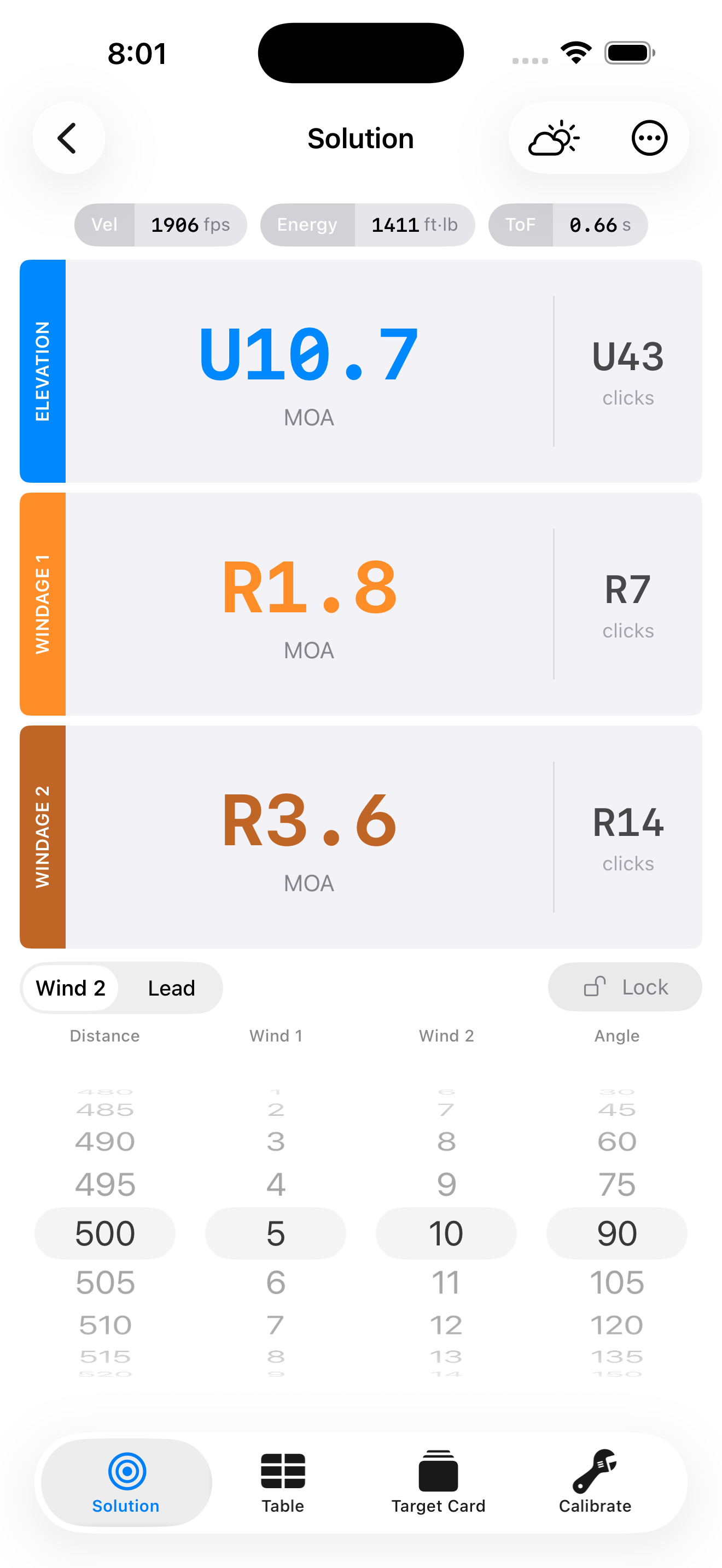
Solution Screen (Field, light theme)Solution Screen (Field, light theme)
Solution Screen (Advanced, light theme)Solution Screen (Advanced, light theme)
Android screenshots coming soon...

Mt6781 Sp Flash Tool | Exclusive

Ensure the phone is powered off. Hold and connect the USB cable.

This public link is valid for 7 days and shares a thread, including any personal information you added. This link or copies made by others cannot be deleted. If you share with third parties, their policies apply. Can’t copy the link right now. Try again later.

: For devices with heavily locked bootloaders (like certain Xiaomi or Tecno models), professional tools like Android Multi Tool may be required to access proprietary authentication servers. Essential Flashing Requirements mt6781 sp flash tool exclusive

Fix: Ensure you are using the exact firmware version intended for your specific phone variant.

Disable Driver Signature Enforcement in Windows before installation to ensure the drivers register correctly. 3. MediaTek Bypass Tool (LibUsb) Ensure the phone is powered off

Every MediaTek chipset requires a specific Download Agent—a piece of code executed on the device’s internal SRAM to manage the flashing process. For the MT6781, generic DA files from older chipsets (like MT67xx or MT68xx) are incompatible. An MT6781-exclusive DA file is necessary to correctly address the memory mapping, security partitions (like seccfg ), and DMA controllers. Using the wrong DA results in the infamous STATUS_DA_HASH_MISMATCH or ERROR : S_BROM_CMD_SEND_DA_FAIL .

Wipes the device clean and matches the partition layout precisely to the scatter file. Use this if partition tables have changed. This link or copies made by others cannot be deleted

The log window will display a success message such as Protection disabled or SLA/DAA Bypassed . Step 3: Configure SP Flash Tool Launch flash_tool.exe inside the SP Flash Tool directory.

An open-source or trusted exploit tool (such as MTK Bypass or MCT Auth Utility) utilizing the Kamakiri vulnerability. This disables the SLA/DAA hardware check in the chip's boot ROM. 4. Device-Specific Stock Firmware
Ready to get on target?

Join thousands of long-range shooters who trust Shooter for accurate ballistics solutions.